
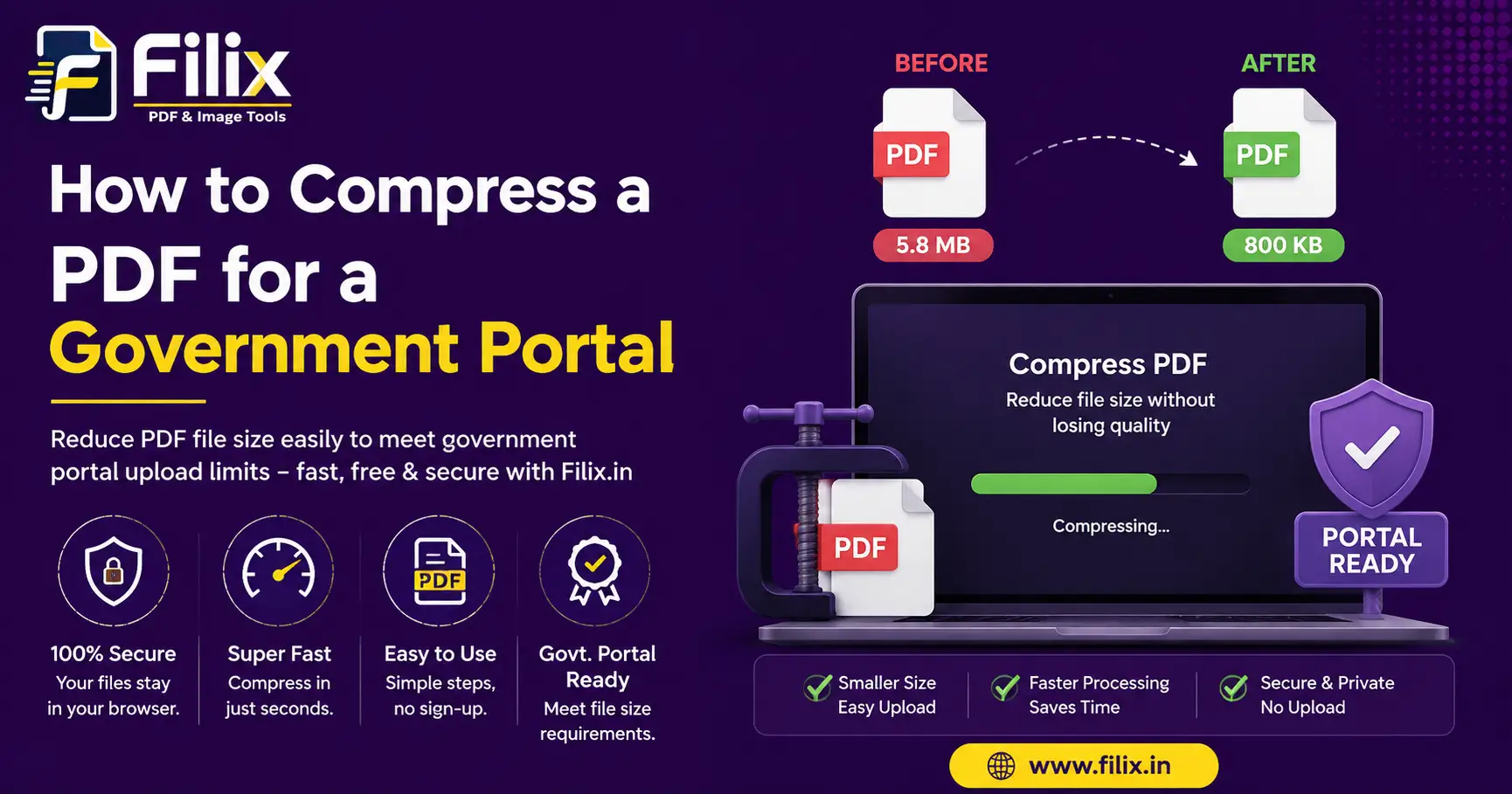
Almost every Indian government portal sets a hard upload limit — 100 KB for a photo, 500 KB for a signature, 1 MB or 2 MB for a supporting document. A phone scan of a three-page annexure lands at 8 MB, and the portal rejects it without explanation.
Why scans are so heavy
A PDF made from phone photos stores each page as a full-resolution image. A 12-megapixel photo is roughly 3 MB before it even becomes a page. Three pages, and you are at 9 MB for a document a clerk will glance at once.
The method that works
- Open Compress PDF and drop the file in.
- Start at the Recommended preset and look at the new size shown on the left.
- If you are still over the limit, move to High, then Extreme. The preview updates every time.
- Before downloading, check the page preview is still readable — especially stamps and handwritten signatures.
When compression is not the answer
If a 6-page scan will not come under 1 MB at a readable quality, split it instead. Use Split & Merge to upload the document in parts where the portal allows it, or drop pages the portal does not actually ask for.
A note on quality
Compression here rasterises each page, so text stops being selectable. That is fine for a supporting document, and wrong for a contract you will later search. Keep your original.