
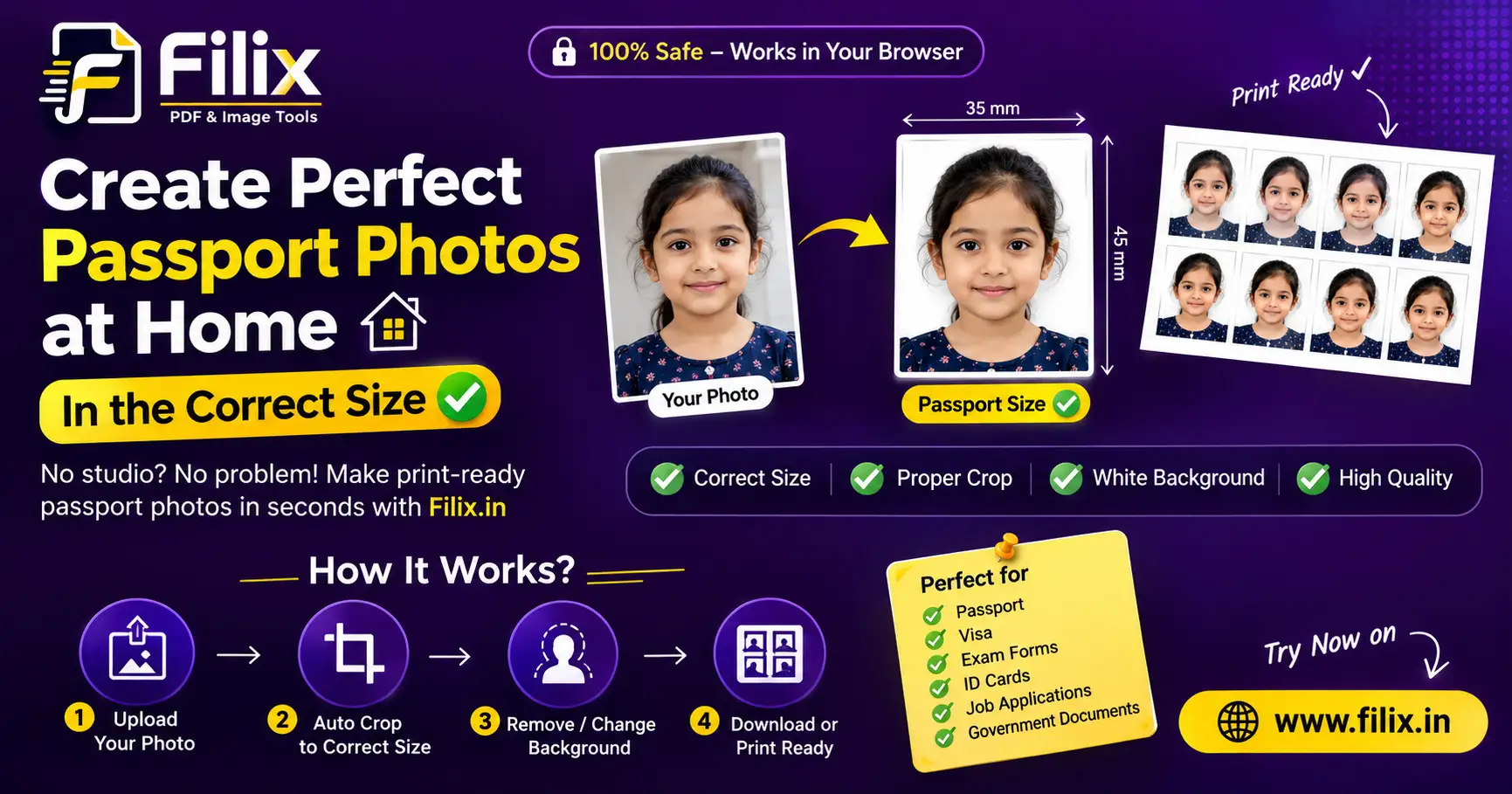
A studio charges a few hundred rupees for eight prints you will use twice. The dimensions are fixed and public, so you can do this yourself in about two minutes.
The sizes that matter
- Indian passport — 3.5 × 4.5 cm
- US passport / Indian visa — 2 × 2 inches
- OCI and many visas — 1.38 × 1.77 inches
- Canadian passport — 2 × 2.75 inches
Steps
- Take the photo against a plain wall in even daylight — no flash, no shadow behind the head.
- Open Background Remover and drop the photo in. The subject is cut out automatically.
- Pick a white or light blue backdrop, whichever the authority asks for.
- Choose your size from the cards below the preview. Each one exports at 300 DPI, which is what print shops expect.
- Hit Create A4 page, choose how many copies, add a 0.5 px cutting border, and download the PDF.
Printing
Print at 100% scale on glossy photo paper. Do not let the print dialog "fit to page" — that silently shrinks everything and your 3.5 cm photo comes out at 3.2 cm.